

CP Learning Content
 The abbreviation CP stands for Content Package. Specifically, it refers to completed learning content (consisting of several pages) with an individual layout and its own navigation. CP learning content pages can easily be created in the learning platform and flexibly edited using a text editor.
A single CP learning content element can replace many course elements of the type Single page in a course.
Usage: Learners' View
Overview
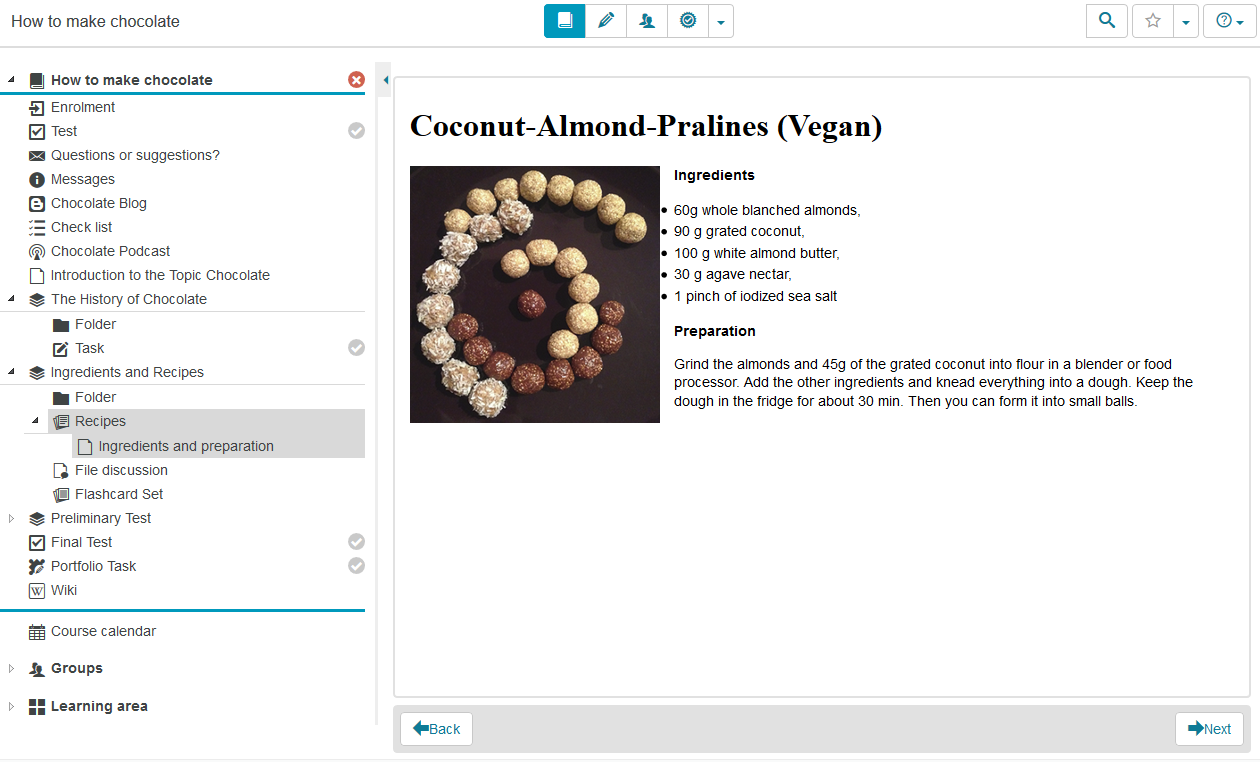
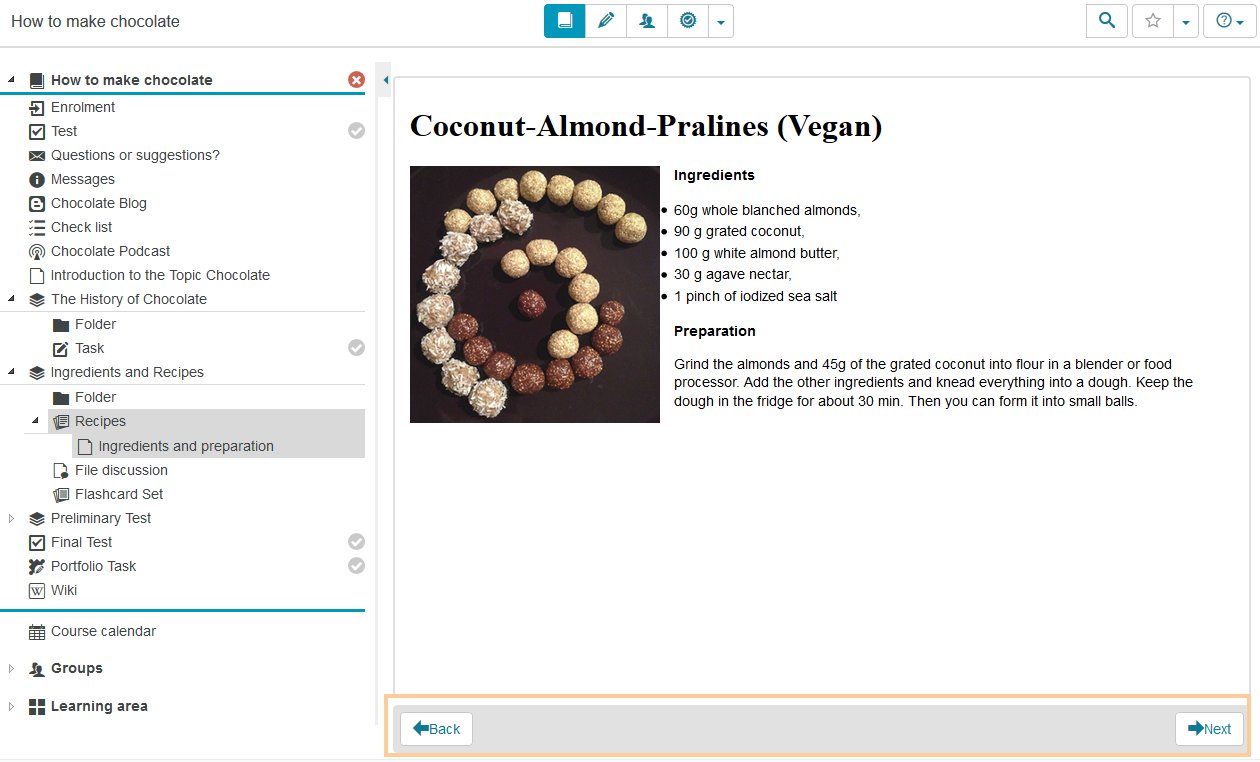
The course element CP Learning Content clearly presents different learning content on individual pages, which can be structured like a book and divided into chapters. To navigate, use the course menu on the left or the buttons Next and Back in the content area. |
|
Functions for users
The following functions are available to users:
| Navigation in the CP |
|


Configuration: Authors' View
In the course editor
The following functions are available in the course editor:
Add a course element CP learning content | Click to open instructions on how to add a course element ...To integrate a course element into your course, proceed as follows:
| ||||||||||||||||||
General configuration settings | In the course editor, you will find the following configuration tabs:
| ||||||||||||||||||
Special configuration settings | In the Configuration tab, you can assign a resource of the type CP Learning Content to your course element and specify display options. | ||||||||||||||||||
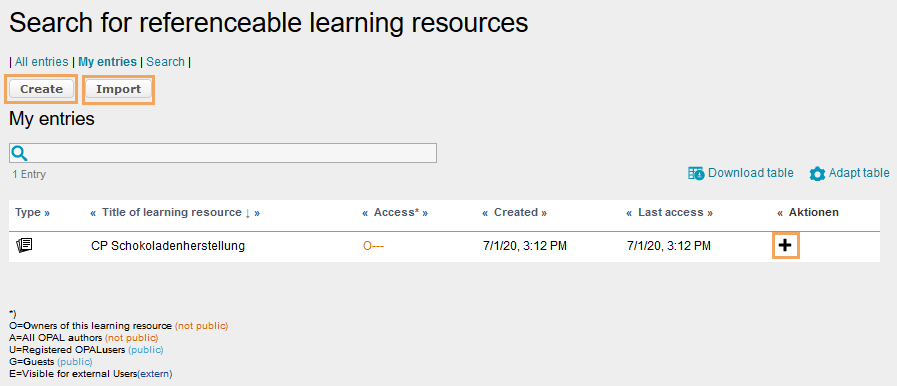
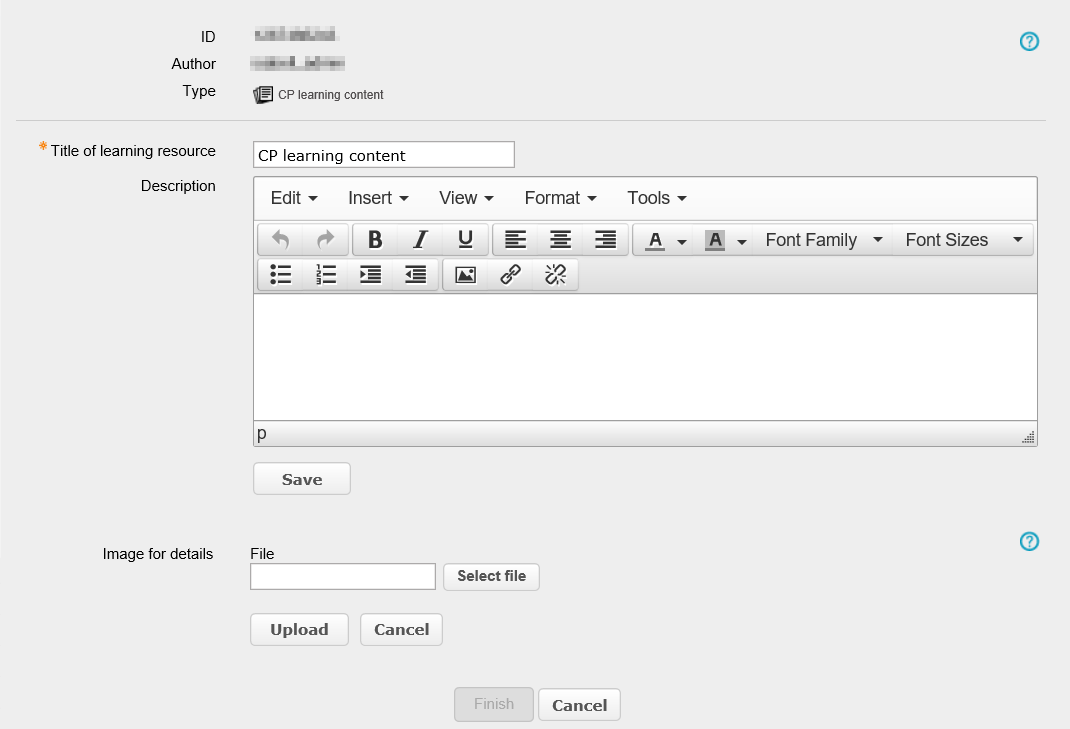
Select CP learning content | To assign the course element a CP resource, you can:
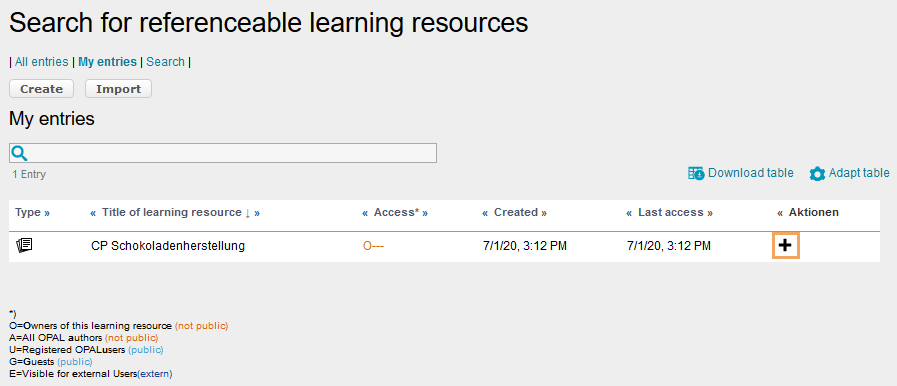
Start the configuration for all three variants as follows:
| ||||||||||||||||||
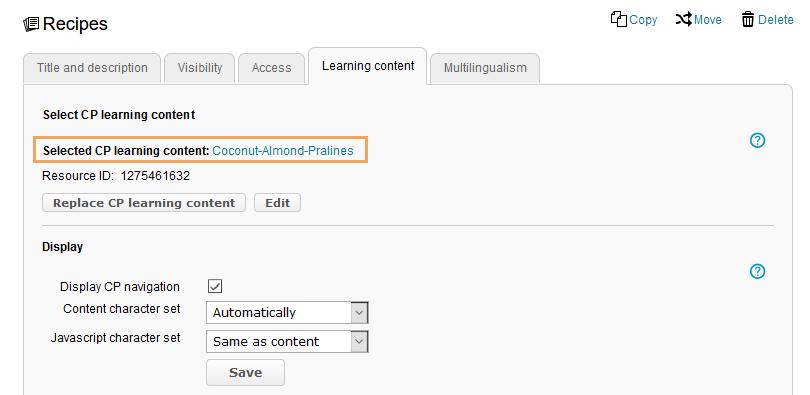
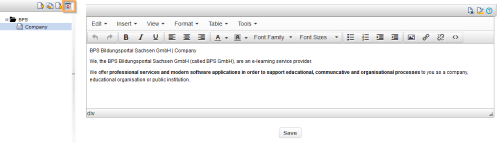
Functions after adding a CP learning content resource | Once a CP learning content resource has been added, you have the following options:
| ||||||||||||||||||
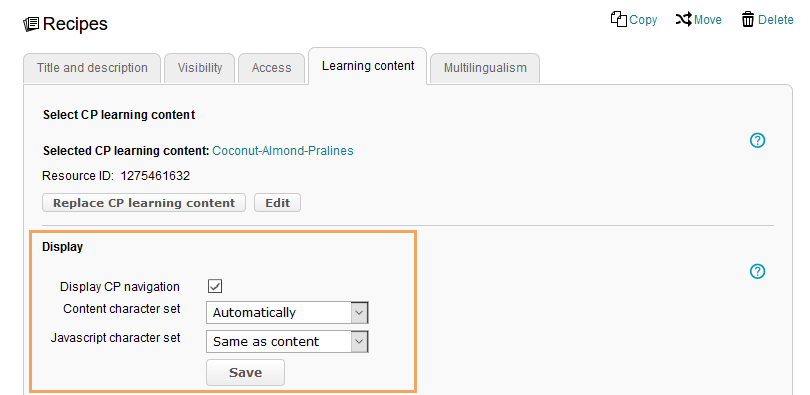
Display | You can customise the following display options:
|





In the course view
In the course view of a course element CP Learning Content, you have access to all functions available to users.